LangChain is a coding library. It helps developers build software that uses large language models, or LLMs. Think of an LLM as a brain. LangChain gives that brain hands, memory, and a map. If you are new to AI agents, start with what is an AI agent?. The library connects models like GPT-4o and Claude to outside tools, databases, web searches, and calendars. It does this through simple building blocks called chains. A chain is just a set of steps the model follows. LangChain has been around since 2022 and now has over 700 integrations. That number matters because it means you can plug in almost any popular AI model or data source.
AI agent adoption is climbing fast. The AI agent market statistics for 2026 show strong growth. Gartner predicts that by 2028, 33% of enterprise software applications will include agentic AI, up from less than 1% in 2024. See Gartner’s enterprise AI research for the full forecast. McKinsey reports that 65% of organizations now use generative AI regularly. That means more people need to understand the tools behind these agents. LangChain is one of those tools. It is not a chatbot. It is not an app. It is the plumbing that developers use to build apps with language models.
We compared four common ways to build AI agents: LangChain, LangGraph, CrewAI, and AutoGen. Each has a different mental model. LangChain gives you building blocks. LangGraph turns those blocks into a flowchart with state. CrewAI gives agents roles like researcher and writer. AutoGen lets agents talk to each other. All four require at least some Python. That is the hard truth. If you want a no-code agent, this site has guides for that. But if you are curious about the code side, this article is for you. The goal is to explain what LangChain does and when to pick a different framework.
Why does LangChain matter now? Because models alone cannot do much. They need tools, memory, and guardrails. LangChain provides those pieces. You can call Claude with a 200K context window through LangChain in a few lines of code. The Anthropic site lists current Claude models and limits. Or you can connect to OpenAI’s GPT-4o, which has a 128K context window. See OpenAI for model details. LangChain is the bridge between the model and the real world. Once you understand that bridge, you can compare the frameworks below. That comparison starts with a simple table.
How Do the Top Options Compare?
| Tool | Best For | Language | Complexity | Multi-Agent Support |
|---|---|---|---|---|
| LangChain | Custom AI workflows | Python, JavaScript | Medium | Limited |
| LangGraph | Complex stateful agents | Python, JavaScript | High | Yes, graph-based |
| CrewAI | Role-based agent teams | Python | Medium | Yes, role-based |
| AutoGen | Conversational agent tasks | Python | High | Yes, chat-based |
LangChain and LangGraph share the same integration catalog. CrewAI and AutoGen are separate open-source projects. All four require at least basic Python skills.
1. LangChain , Best for building custom AI workflows step by step

LangChain is an open-source framework for building language model applications. It supports Python and JavaScript. You install it with one command. Then you connect a model, add tools, and write a chain. A chain can be as simple as prompt-to-model-to-output. Or it can include web search, database lookup, and a final answer step. LangChain has over 700 integrations. That covers OpenAI, Anthropic, Google, Hugging Face, and many local models. This matters because you are not locked into one vendor. You can swap GPT-4o for Claude or a free local model without rewriting your whole app. Developers like LangChain because it saves time. Instead of hand-writing prompts and tool calls, you use prebuilt classes. For example, a SQL agent can query a database in about 20 lines of code. A retrieval agent can answer questions from your own documents. That makes it a practical starting point for custom AI agents. If you are still confused about the difference between agents and chatbots, read our AI agent vs chatbot guide. LangChain gives you the agent parts. It does not give you a finished product. The downside is real. LangChain moves fast and breaking changes are common. Its documentation is extensive but dense. Debugging a chain that goes wrong can feel like untangling Christmas lights. Still, for developers who want control, it is the most flexible option. Non-coders should not start here. Try a simpler no-code tool instead.
Key strengths:
- ✅ Connect over 700 integrations including OpenAI, Anthropic, and Google models
- ✅ Free and open source under the MIT license
- ✅ Works with Python and JavaScript
- ✅ Strong community and frequent updates
- ✅ Prebuilt chains for SQL, retrieval, and memory
- ❌ Steep learning curve for beginners
- ❌ Abstraction can hide what the model is actually doing
- ❌ Frequent API changes break older tutorials
Who it’s for: Developers who are comfortable with Python or JavaScript and want full control over custom AI workflows.
2. LangGraph , Best for complex multi-step agent workflows
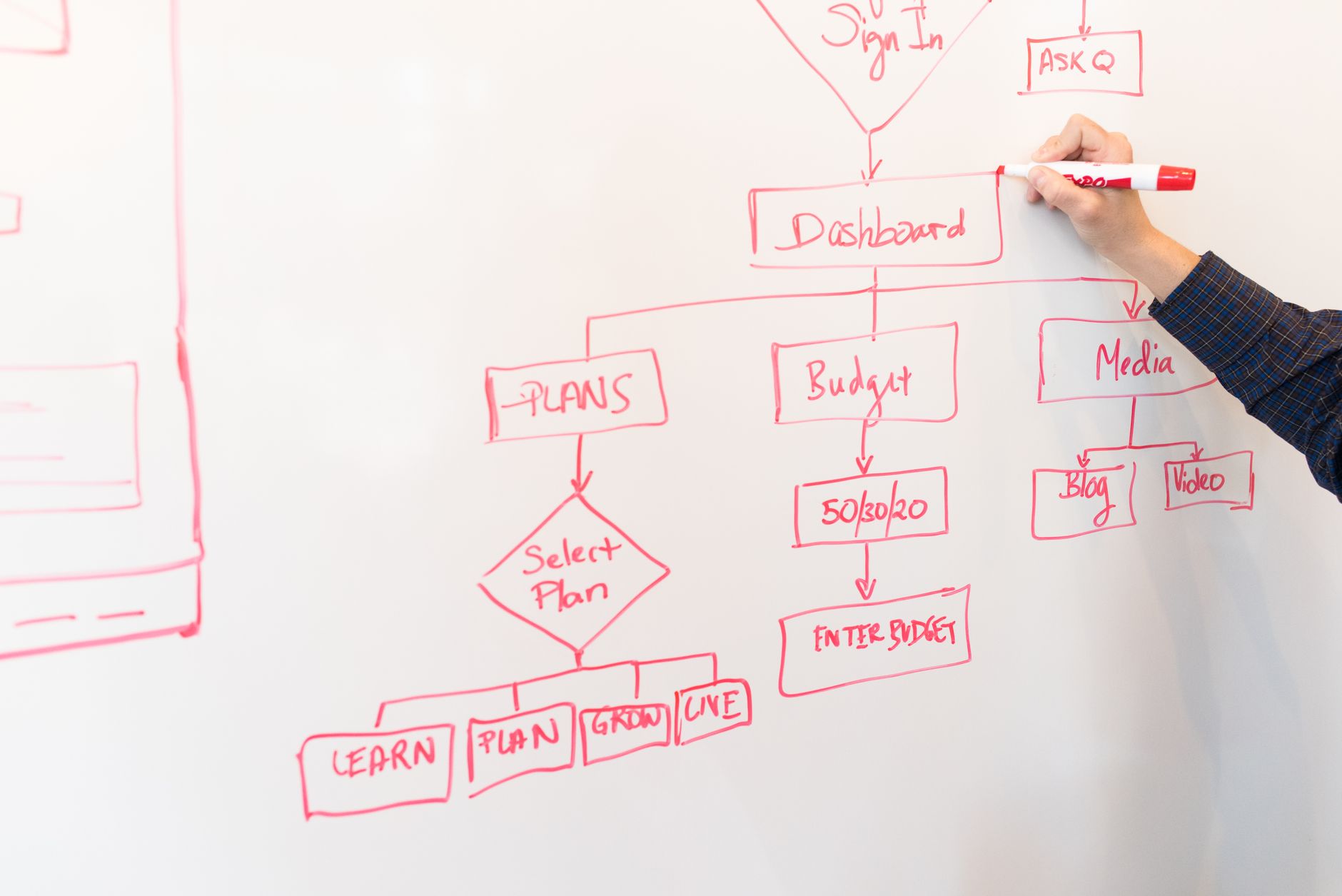
LangGraph is built by the same team behind LangChain. It adds state and control flow. Think of it as LangChain’s more structured sibling. Instead of a straight chain, you create a graph. Nodes are steps. Edges are paths between steps. A node can call a model, query a tool, or ask a human for approval. The graph remembers state between nodes. That is important for an AI agent that needs to loop, branch, or pause. For a simple task, LangChain is fine. For a complex agent that must follow rules, LangGraph is better. One real use case is customer support. A LangGraph agent can receive a ticket, check order history, ask a human if the refund is over $500, and then send a reply. That human-in-the-loop feature is built in. LangGraph also supports persistence, so you can pause and resume. This aligns with the ideas in how do AI agents work?. If you want to understand the underlying mechanics, that guide helps. LangGraph is free and open source. It works with any model supported by LangChain. The cost is complexity. You need to think in graphs, not linear steps. Beginners often build a tangle instead of a graph. Debugging state transitions can be harder than debugging a LangChain chain. But for production agent builders, LangGraph is currently the most complete open-source option. It has become the default framework for many AI agent startups.
Key strengths:
- ✅ Built-in state and memory across steps
- ✅ Human-in-the-loop approval workflows
- ✅ Handles loops and branching that linear chains cannot
- ✅ Free and open source
- ✅ Works with the same 700+ LangChain integrations
- ❌ More complex than LangChain
- ❌ Requires a graph mindset to design flows
- ❌ Documentation assumes prior LangChain knowledge
Who it’s for: Developers building production AI agents that need state, branching, or human approval steps.
3. CrewAI , Best for teams of AI agents with roles
CrewAI takes a different approach. Instead of chains or graphs, you create a crew. Each agent has a role, a goal, and a backstory. You might have a researcher agent, a writer agent, and an editor agent. They work together on a task. This is much closer to a human team. The mental model is simple. That simplicity is CrewAI’s biggest strength. In about 30 lines of Python, you can have three agents collaborate on a research report. CrewAI supports over 100 integrations for tools and models. CrewAI is a good middle ground. It gives you multi-agent collaboration without the graph complexity of LangGraph. Many non-developers can read CrewAI code and understand what is happening. But you still need to write Python. If you want an option without code, see best AI agents for non-technical users. CrewAI also has a paid enterprise tier with monitoring and deployment. The open-source core is free under the MIT license. The downside is less fine-grained control. If your agents need complex state or branching, CrewAI can feel limiting. It is best for structured workflows like content generation, research, and role-based tasks. For a side-by-side of the underlying models, read ChatGPT vs Claude. CrewAI lets you use either one.
Key strengths:
- ✅ Simple role-based mental model
- ✅ Quick to set up multi-agent teams
- ✅ Over 100 tool and model integrations
- ✅ Open-source core with an enterprise tier
- ✅ Great for content, research, and analysis workflows
- ❌ Less low-level control than LangGraph
- ❌ Not ideal for complex state machine logic
- ❌ Still requires Python coding skills
Who it’s for: Python developers who want multi-agent role-based workflows without building the underlying plumbing.
4. AutoGen , Best for AI agents that converse to solve tasks
AutoGen comes from Microsoft Research. It also builds multi-agent systems, but the core idea is conversation. Agents talk to each other in natural language. A developer sets up two or more agents with different instructions. Then they exchange messages until a solution emerges. This is useful for tasks like code generation, data analysis, and complex problem solving. AutoGen is free and open source under the MIT license. It supports OpenAI models, Azure OpenAI, and local models through LiteLLM. You can run it with GPT-4o, which has a 128K context window. The strength of AutoGen is flexibility. You can create a coder agent, a critic agent, and a planner agent. They revise each other’s work. That back-and-forth can solve problems that a single model might miss. AutoGen also supports human input at any step. If the agents get stuck, a person can jump in. This makes it interesting for research and software engineering. But it is not the easiest framework to learn. AutoGen is less polished than LangChain or CrewAI for production apps. Its API has changed several times. The documentation is aimed at researchers, not beginners. Still, if you want to experiment with conversational agents, it is a strong choice. AutoGen shows how multiple AI agents can now handle parts of complex work.
Key strengths:
- ✅ Free and open source from Microsoft Research
- ✅ Agents converse and critique each other’s outputs
- ✅ Supports human-in-the-loop input
- ✅ Works with OpenAI and local models
- ❌ Less polished for production use
- ❌ API changes are common
- ❌ Documentation targets researchers, not newcomers
Who it’s for: Researchers and advanced developers who want to experiment with multi-agent conversation.
Frequently Asked Questions
What is LangChain in plain English?
LangChain is a free coding library that helps developers connect language models like GPT-4o or Claude to tools, memory, and data. It is the plumbing behind many custom AI agents. Non-coders usually interact with LangChain indirectly through apps built on it.
Is LangChain an AI agent?
No. LangChain is a framework used to build AI agents. An AI agent is a system that can act on its own to complete tasks. LangChain provides the building blocks but you must assemble them into an agent.
Do I need to code to use LangChain?
Yes. LangChain requires Python or JavaScript. There is no official no-code interface. If you want to build agents without code, look at tools designed for non-technical users instead.
How is LangChain different from LangGraph?
LangChain is built around linear chains of steps. LangGraph is built around graphs with state, loops, and branching. LangGraph is better for complex multi-step agents that need to pause or ask for human approval.
Can LangChain work with ChatGPT or Claude?
Yes. LangChain supports OpenAI’s GPT-4o, Anthropic’s Claude, Google’s Gemini, and hundreds of other models. You can swap models without rewriting your entire application.
Is LangChain free to use?
Yes. LangChain is open source and free under the MIT license. You still pay for the underlying model API calls, such as OpenAI or Anthropic usage. Some enterprise tools built on LangChain charge for hosting and support.
What Should You Remember?
- LangChain is an open-source coding library that connects language models to tools and data.
- 700+ integrations mean you can plug LangChain into OpenAI, Anthropic, Google, and local models.
- LangGraph adds state, loops, and human approval to LangChain workflows.
- CrewAI uses role-based agents like researcher and writer for simpler multi-agent teams.
- AutoGen lets agents converse and critique each other to solve complex tasks.
- Coding is required for all four frameworks; non-coders should use no-code AI agent tools.
This article is for general informational purposes only and is not professional or investment advice. AI tools, pricing, and capabilities change quickly, so verify current details with the official source before acting. Statistics are sourced and dated in each article. Some links may be affiliate links that support this site at no cost to you.